






















Packing Video Proof for Shopify Orders: The Complete Guide
How a short packing video for every Shopify order ends empty box claims, settles missing item disputes, and gives you strong chargeback proof. Everything you need, in plain daily life language.
If you sell on Shopify and you ship real boxes to real customers, you already know the message that ruins a good day. The buyer writes in and says the parcel arrived empty, or an item was missing, or the wrong thing was inside. You know you packed it correctly. You just cannot prove it. This guide shows you how a simple packing video for Shopify orders turns that argument into a thirty second win, and how the Parcel Proof Video app records that proof for every order without slowing your team down.
Ecommerce runs on trust, but trust does not pay refunds. When a customer opens a dispute, the platform, the courier, and the card network all ask the same question. What actually left your warehouse? Without an order proof video you are guessing, and the person who cannot prove their side usually loses. That is why more Shopify merchants now film a short proof of packing clip as each order goes into the box. This article walks through the whole idea in plain daily life language, so a brand new store owner and an experienced operations lead can both act on it today.
What you will learn
- Why an empty box claim and a missing item dispute cost far more than the refund itself
- How packing video proof works step by step, from the phone in your hand to the customer link
- How to record on a mobile, on a webcam, and across paired devices with Parcel Proof Video
- How to use your video as chargeback proof when a card holder disputes a payment
- Simple packing routines that make every clip clear, honest, and dispute ready
What is a packing video and why does every Shopify store need one
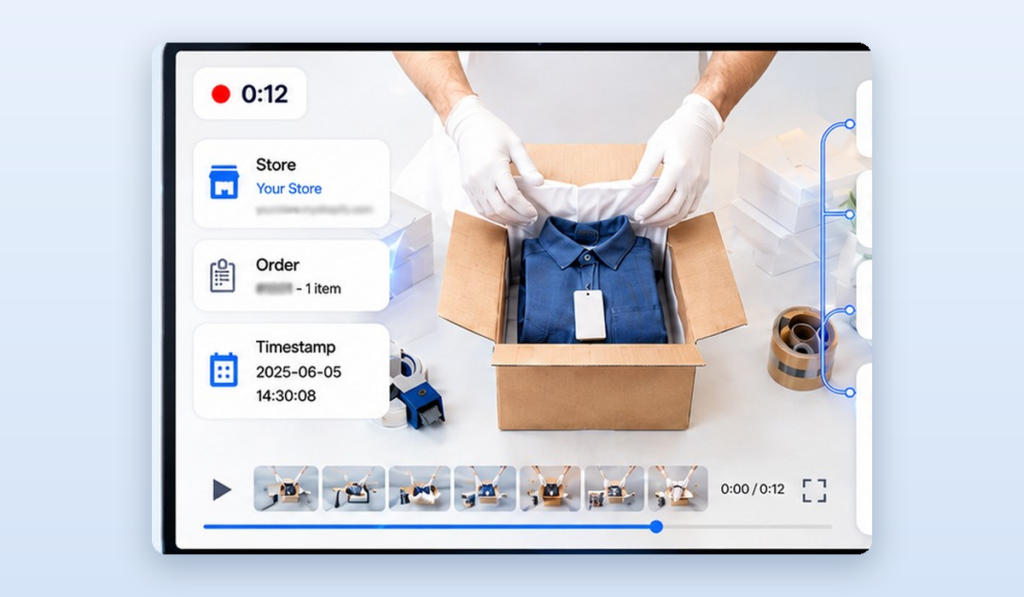
A packing video is a short recording that shows one order being packed from start to finish. It captures the order number, the product, and the moment the parcel is sealed. Think of it as a receipt that moves. A paper receipt lists what should be inside. A packing video for Shopify orders shows what truly went inside, in real time, with nothing edited out.
Most stores already trust cameras everywhere else in daily life. You film a parking scrape for your insurer. A shop keeps footage behind the till. A courier photographs your door when a parcel is dropped. Packing video proof brings that same common sense habit to the one moment that matters most for an online store, the moment the product leaves your hands. When a buyer later claims the box came empty, you are not arguing feelings. You are playing a clip.
The value is simple. A clear order proof video removes doubt. It protects honest customers who really did receive a faulty parcel, and it protects your store from the small number of people who try to get a free product by claiming the box was empty. Both sides get a fair, fast answer instead of a long back and forth.
The real cost of empty box claims and missing item disputes
When people add up the cost of an empty box claim, they only count the refund. The true bill is much larger, and it hides in places that are easy to miss on a busy day.
First there is the lost product. If someone claims the box was empty and you cannot prove otherwise, you refund the money and you never get the item back. That is two losses from one order. Second there is the staff time. Every missing item dispute pulls a person away from packing and selling to write messages, dig through notes, and calm an upset customer. Third there is the reputation cost. While the case drags on, the buyer may leave a poor review or a chargeback that follows your store for months.
There is also a slower, quieter cost. Once word spreads that a store cannot prove what it ships, the wrong kind of buyer takes notice. Claim rates creep up. Honest customers, meanwhile, feel less confident buying high value items because they worry about what happens if something goes wrong. A visible proof of packing policy fixes the trust on both ends. It tells good customers you stand behind every parcel, and it tells opportunists that an empty box story will not work here.
NOTE: Daily life example
A skincare store ships a set worth a large amount. A buyer says only tissue paper arrived. Without proof, the store refunds and eats the loss. With a packing video, the owner opens the order, plays the clip that shows every jar going in and the label being applied, and shares the link. The claim closes the same afternoon, and no product is lost.
How packing video proof works with Parcel Proof Video
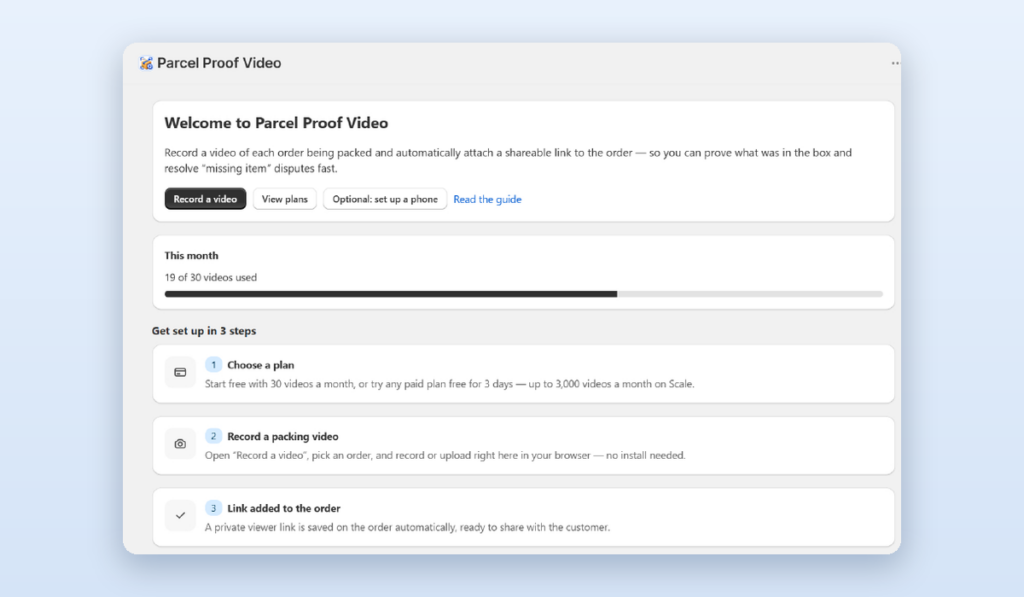
Parcel Proof Video is a Shopify packing video app that lives inside your store admin. It does one job very well. It records a short video as you pack each order, links that video to the correct order automatically, and keeps it ready for the day you need it. You do not edit anything, upload files by hand, or match clips to orders later. The routine fits into how your team already packs.
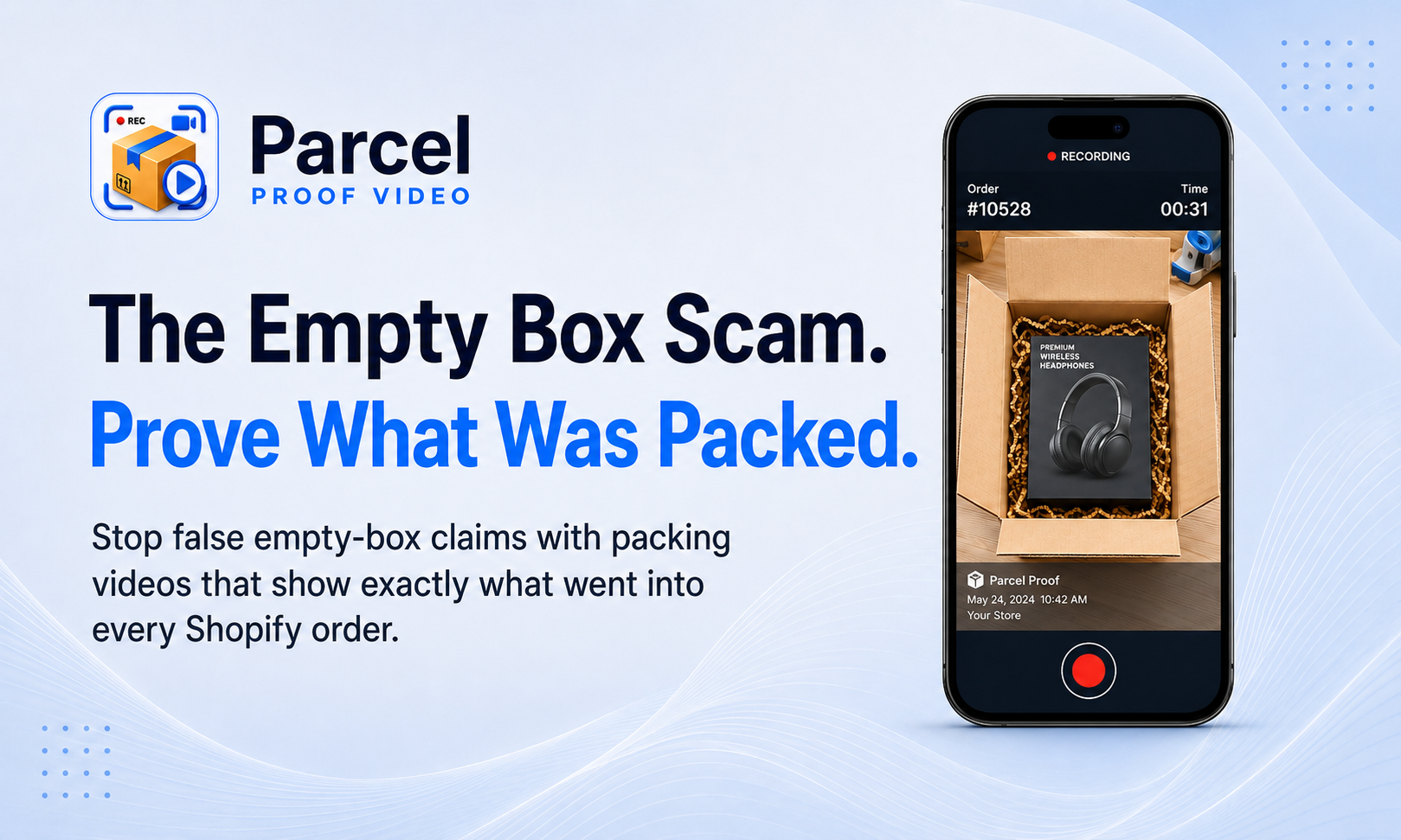
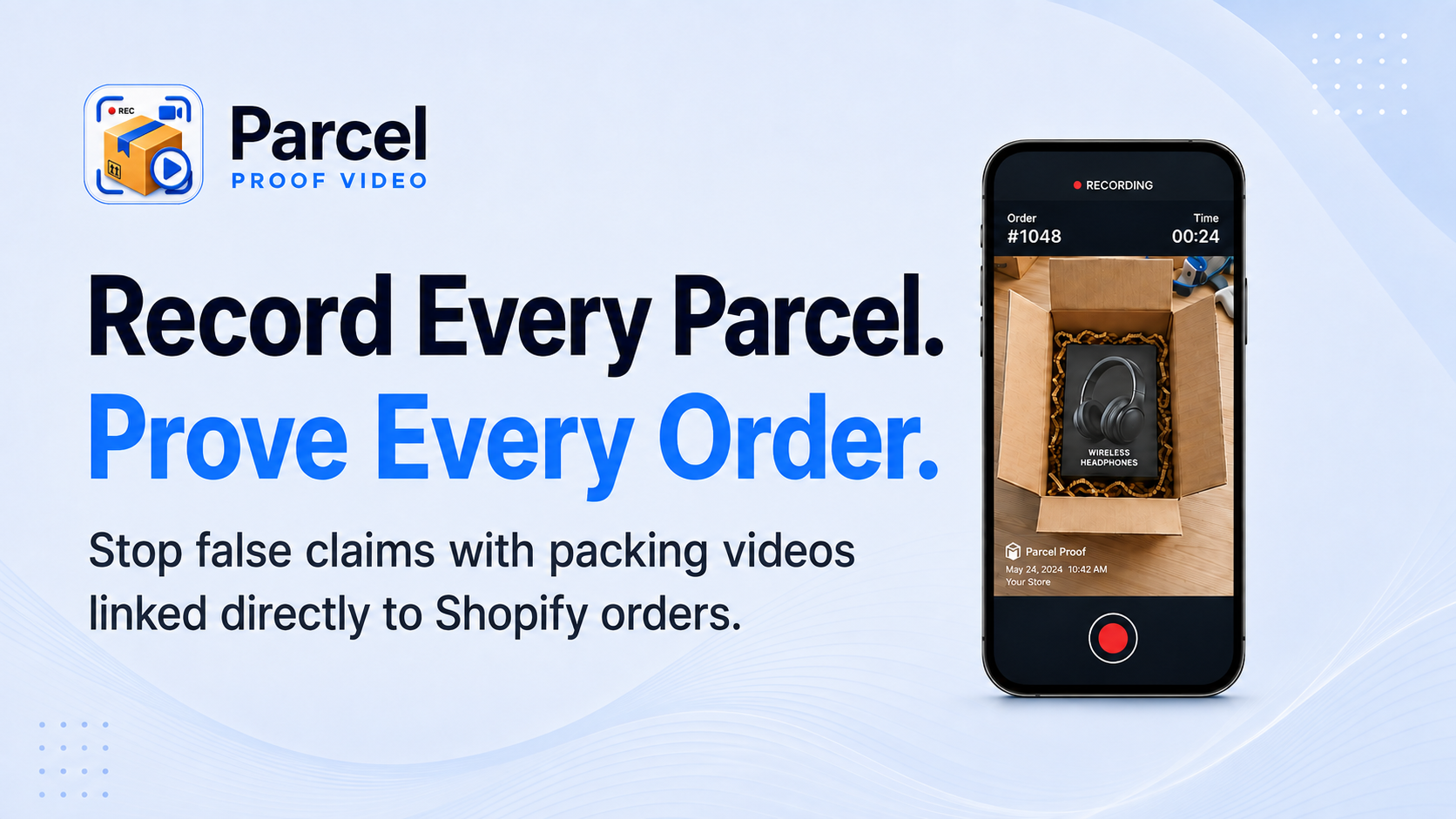
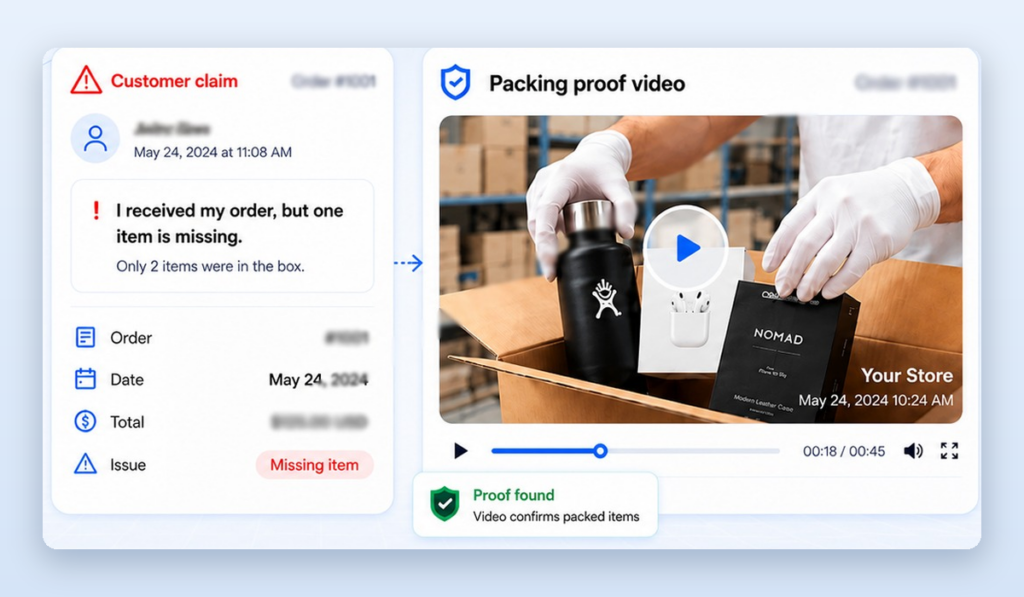
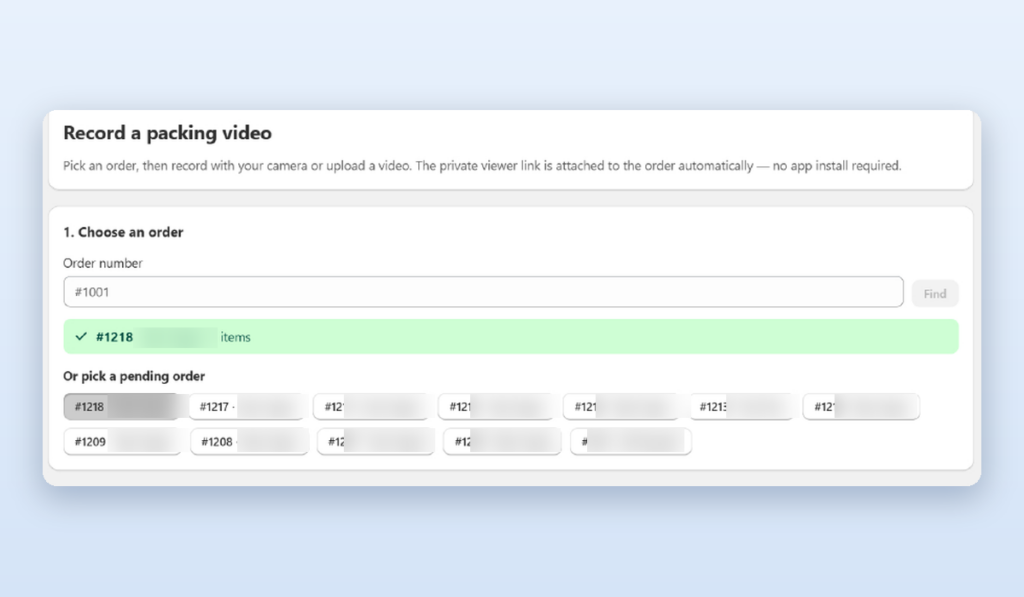
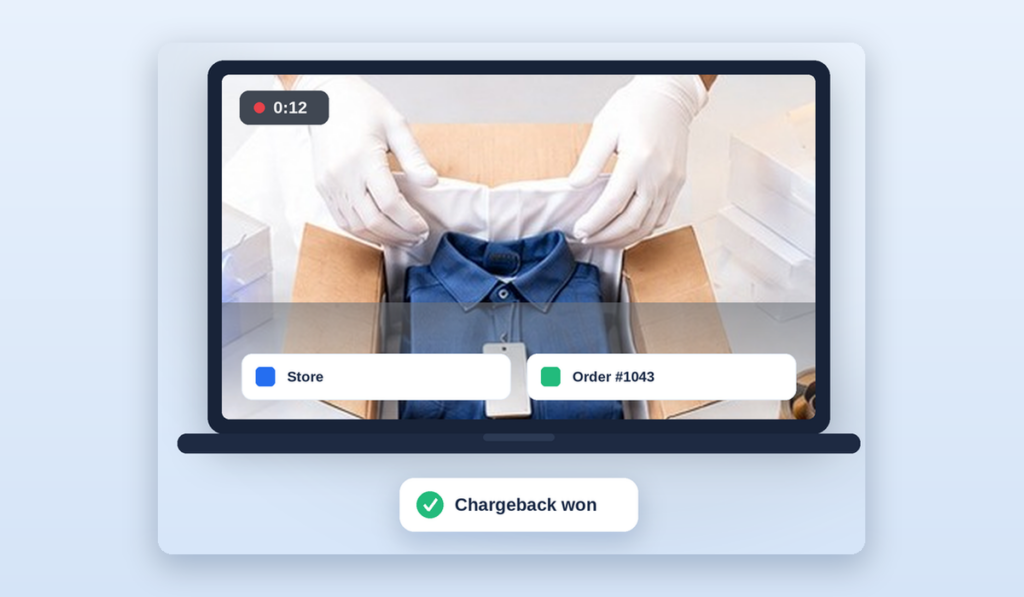
Here is the flow in plain steps. Your packer opens the order on a phone or a computer at the packing bench. They start the recording, pack the item, show the order number, and seal the box. They stop the recording. The app stores the clip and attaches it to that order in Shopify. When a buyer opens a claim weeks later, you find the order, play the video, and reply with a private link. That is the entire loop.
The five step proof loop
- Open the order at the packing bench on any paired device
- Record the pack, showing the product and the order number clearly
- Seal the parcel on camera so the last frame is the closed box
- The app links the clip to the Shopify order on its own
- Reply to any claim with the saved video and a shareable link
Recording a packing video on your phone
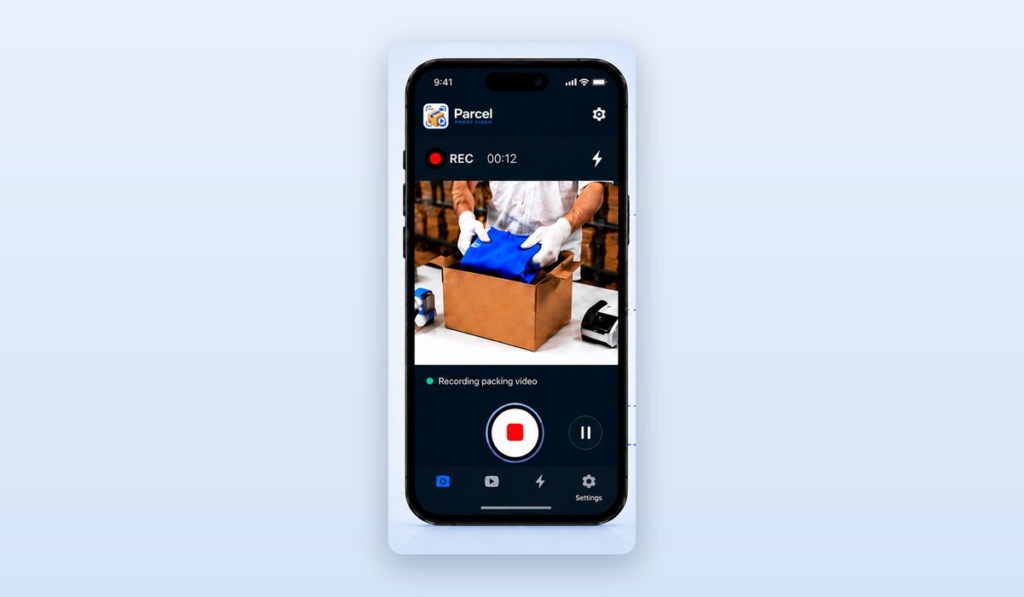
The fastest way to start is the phone already in your pocket. Parcel Proof Video gives each packer a mobile record and upload screen, so a small team can begin filming proof of packing today with no new hardware. You open the order, tap record, pack the item into view, and tap stop. The clip uploads and links to the order by itself.
Phones are ideal for stores that pack in different spots, ship from home, or handle fragile items that need to be turned and shown from several sides. Because the camera moves with your hands, a mobile order proof video can follow the product right into the box, which is exactly the angle a dispute reviewer wants to see.
Simple mobile filming habits
Good proof does not need a studio. It needs a clear view and steady hands. Keep the packing area well lit so labels and product details read clearly. Say or show the order number early in the clip. Hold the parcel steady while you seal it so the final frame is the closed box. These small habits turn an ordinary phone clip into strong, honest chargeback proof.
Recording from a webcam in the browser
If your team packs at a fixed bench with a computer, the browser webcam recorder is the smoother path. You open the order in Shopify, the webcam view appears on screen, and you pack the item in front of the camera. There is no app to install and no file to move. The recording starts and stops with one click and saves straight to the order.
A fixed webcam is a great fit for higher volume stores. The camera stays in one place, pointed at the packing zone, so every clip has the same clean framing. Packers keep both hands free for the product and the box, which keeps the line moving. For a busy Shopify packing video app setup, this consistency is what makes proof reliable at scale.
Pairing devices so the whole team can record
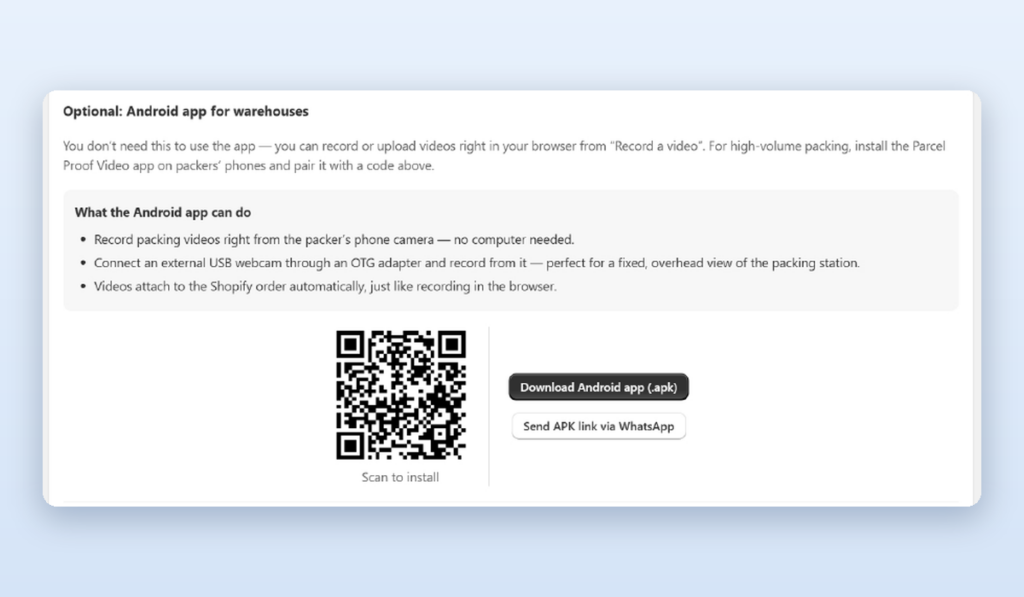
Most stores pack with more than one person, so proof has to work across phones, tablets, and computers at the same time. The device pairing screen connects each recording device to your store in a few seconds. A packer scans or enters a code, the device is trusted, and it can start saving packing videos to the right orders right away.
Pairing matters because it keeps proof tidy. Every clip flows into the same place inside Shopify no matter who filmed it or which device they used. A manager can see that orders are being recorded across the whole team, and nothing gets lost on someone personal phone. As you add packers during a busy season, you simply pair another device and they are ready to record proof of packing in minutes.
Watermark and settings that make proof trustworthy
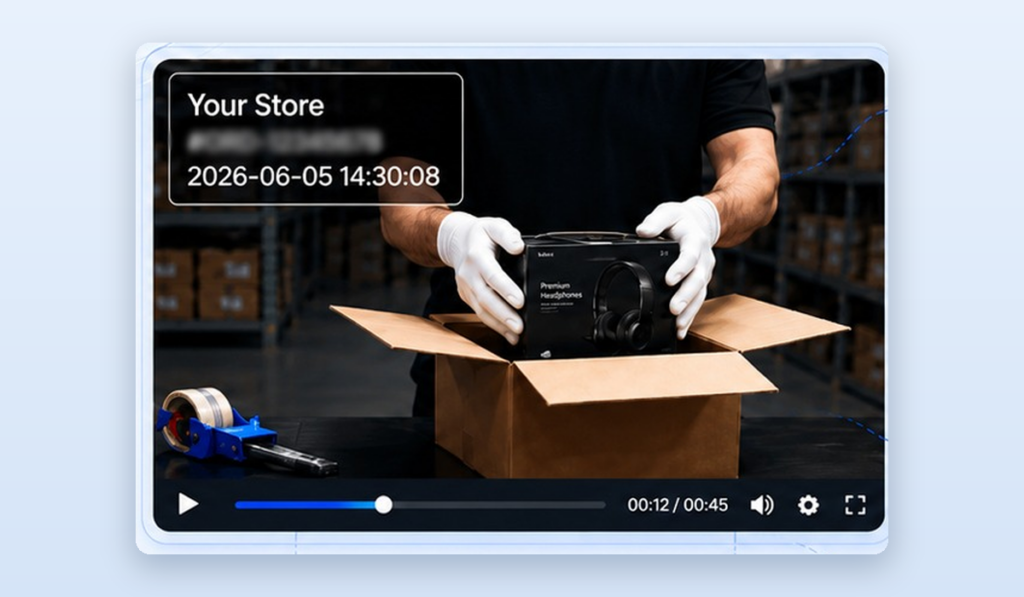
Proof is only as strong as it is believable, so Parcel Proof Video lets you stamp each clip with the details that matter. In settings you can add a watermark with your store name, the order number, and a timestamp so anyone watching can see the clip is genuine and tied to a real order on a real day. A watermark also discourages anyone from passing off an unrelated video as proof.
These settings are where you shape your policy. You decide the watermark text, how clips are stored, and how long they are kept. A store that ships high value items may keep videos longer to cover the full return window. A store with fast moving low cost items may keep them for a shorter period. The point is that your proof of packing matches your real world return and dispute timelines.
Linking the video to the order automatically
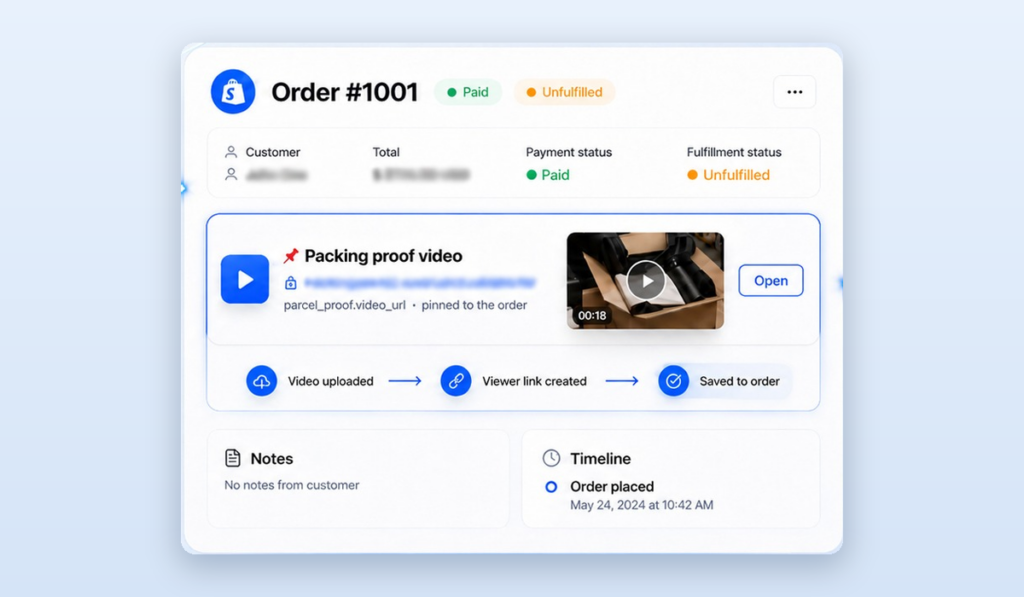
The feature that saves the most time is the one you never see working. Parcel Proof Video links each clip to its Shopify order through an order metafield, so the proof lives with the order forever. You do not name files, sort folders, or hunt for the right clip weeks later. You open the order, and the video is simply there.
This automatic link is what makes the whole system practical on a busy day. When a missing item dispute lands in your inbox, speed is everything. Because the clip is attached to the order, your reply takes seconds. You search the order number, open the record, and the packing video is waiting, already matched, already stamped, ready to share.
What the customer sees when you share the proof
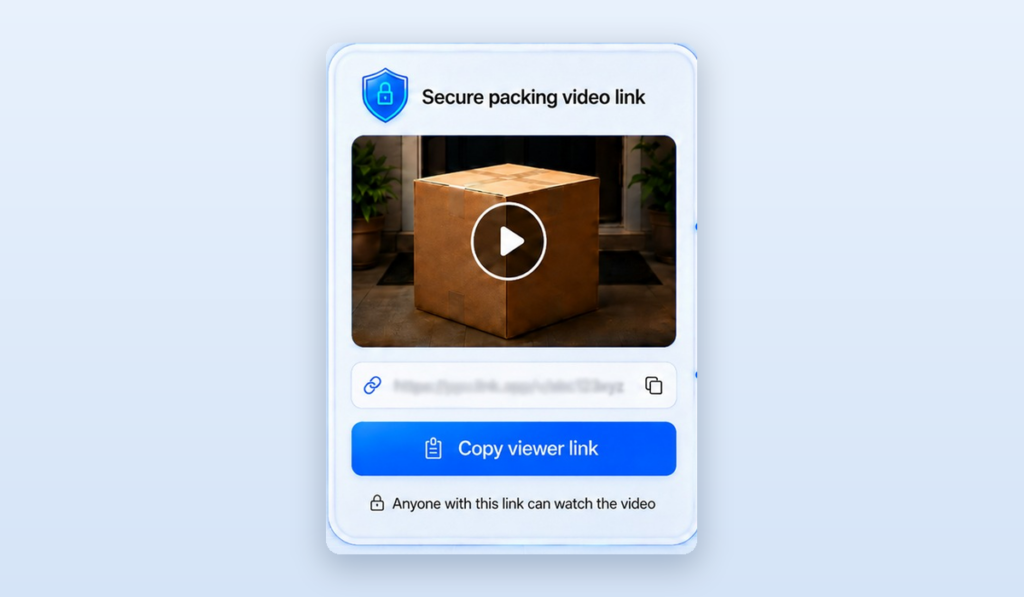
When you respond to a claim, you send a clean, private video player link. The customer opens it in any browser and watches the exact clip that shows their order being packed and sealed. There is nothing to download and no account to create. Most honest disputes end the moment the buyer sees their own order number and product going into the box.
This customer facing player does something subtle and powerful. It turns a tense argument into a calm, shared fact. Instead of your word against theirs, both of you are looking at the same order proof video. Genuine mistakes, like a real packing slip up, are settled quickly and kindly. False claims quietly disappear, because there is nothing left to argue about once the video is on screen.
Using packing video as chargeback proof
A chargeback is when a buyer asks their bank to reverse a card payment. For a store this is one of the most stressful kinds of dispute, because a stranger at the card network decides the outcome based on the evidence each side submits. Strong evidence wins. Weak evidence loses. A clear packing video is some of the strongest chargeback proof a small store can provide.
When you respond to a chargeback, you usually attach order details, tracking, and any proof of delivery. Adding a packing video that shows the product and order number going into the sealed parcel closes the biggest gap in that story, which is what was actually inside the box. It shows the item existed, matched the order, and left your store. Paired with tracking that shows the parcel was delivered, your case becomes hard to argue against.
NOTE: How to respond fast
Search the order number, open the record, and copy the packing video link. Attach it alongside your tracking and delivery proof in the dispute reply. Keep a short, calm note that points the reviewer to the moment the order number and product appear in the clip. Clear, dated, watermarked proof does the rest.
Plans and usage that fit how you ship
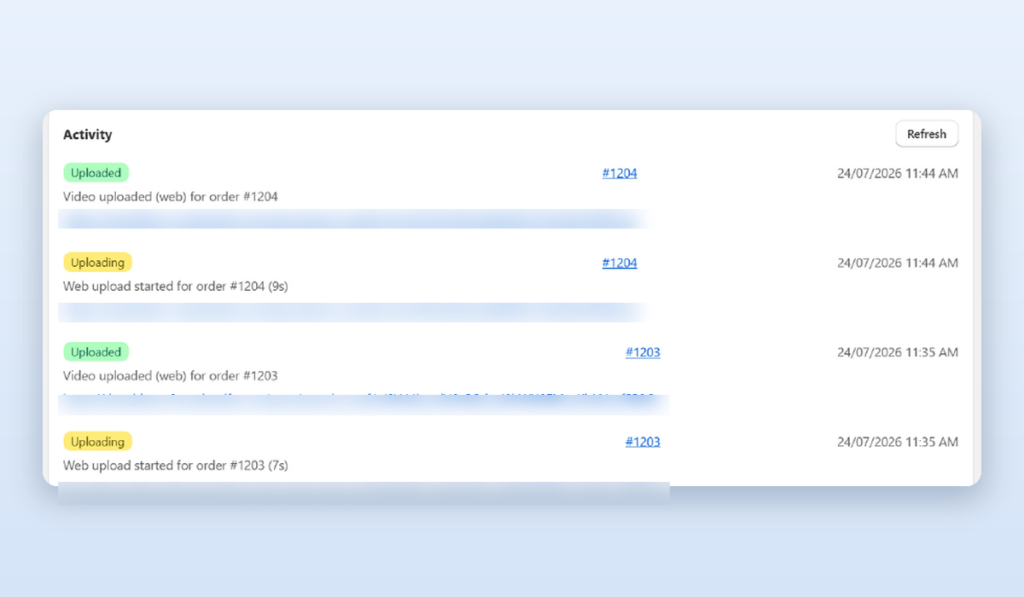
Every store ships a different number of orders, so Parcel Proof Video scales with your volume. The plans and usage screen shows how many packing videos you have recorded and what your plan covers, so there are no surprises. A store shipping a handful of parcels a day and a store shipping thousands can both find a plan that matches, and you can move up as you grow.
Because proof only pays off when it covers the orders most likely to be disputed, usage visibility helps you aim well. Many stores start by recording high value orders and known problem products, then expand to every order once the routine feels natural. The dashboard makes that easy to track, so your Shopify packing video app spend always maps to the protection you actually get.
Best practices for clear, honest packing videos
The difference between a clip that wins a dispute and one that leaves room for doubt comes down to a few habits. None of them are hard. They just need to be consistent across your whole team so every packing video for Shopify orders tells the same clear story.
- Show the order number first. Bring the picking slip or screen into view at the start so the clip is tied to the order beyond question.
- Keep the product in frame the whole time. Do not let the item leave the shot between showing it and placing it in the box.
- Light the bench well. A bright, even packing area makes labels, colours, and quantities easy to read on camera.
- Seal on camera. Let the final frame be the closed, taped parcel so there is no gap between packing and shipping.
- Do not edit. One continuous take is far stronger proof than a clip that looks trimmed or joined together.
- Keep it short. Twenty to forty seconds is plenty for most orders and keeps your packing line fast.
Make it a team habit, not a chore
Proof only protects you if it happens on every order you decide to cover. Build recording into the packing routine the same way weighing and labelling already are. Pair each packer device once, keep the camera in a fixed, comfortable spot, and record the pack as naturally as you tape the box. After the first busy week, most teams stop thinking about it, and the first won dispute makes the habit stick for good.
Packing video proof versus the old way
Many stores try to solve disputes with photos, notes, or memory. Those methods help a little, but they leave the one gap that matters, which is showing the product going into the sealed box in real time. Here is how a proper packing video compares with the common alternatives.
| Situation | Photo or note only | Packing video proof |
| Empty box claim | Hard to disprove | Clip shows item sealed inside |
| Missing item dispute | Your word against theirs | Every item visible on camera |
| Wrong item sent | Photo may not match order | Order number and product both shown |
| Chargeback reply | Thin evidence | Strong, dated, watermarked proof |
| Finding the proof later | Search folders by hand | Attached to the order in Shopify |
Frequently asked questions
Does recording a packing video slow down my team?
No. A packing video takes about the same time as taping the box, roughly twenty to forty seconds per order. Because the clip links to the order on its own, there is no extra sorting or uploading work later. Most teams stop noticing the step within the first week.
What if the customer really did receive a faulty or missing item?
Then the video helps them too. If the clip shows a genuine packing mistake, you can refund or replace quickly and with goodwill. Proof cuts both ways. It settles honest problems fast and stops false claims, which is exactly what a fair store wants.
Where are the packing videos stored?
Clips are stored by the app and linked to each Shopify order through an order metafield, so you find them by opening the order. You control how long videos are kept in settings, so your proof matches your return and dispute windows.
Can I use the video as chargeback proof with the card network?
Yes. A watermarked packing video that shows the order number and product going into the sealed box is strong evidence. Attach the video link alongside your tracking and delivery proof when you respond to the chargeback.
Do I need special equipment to start?
No. You can begin with the phone you already have using the mobile record and upload screen. If you pack at a fixed bench, a simple webcam works through the browser. Pair the device once and you are ready to record proof of packing.
Should I record every order or only some?
Many stores start with high value orders and products that get disputed most, then expand to every order once the habit is set. The plans and usage view helps you match how much you record to the protection you need.