SHORT ANSWER
A cloud phone system lets your team make and take business calls from a browser or mobile app, using business numbers, without a PBX box in the office. When you compare options in Pakistan, check five things: how numbers are given, how calls are routed (IVR and transfer), whether calls are recorded, whether it works when people are away from the desk, and whether it connects to the tools you already use.
A lot of offices in Pakistan still run on an old setup: a PBX box in a cupboard, desk phones on every table, and one technician who knows how it all works. When that person leaves, or the box fails, calls stop.
Cloud calling replaces the box. Your numbers, your call routing and your recordings live online. Your team calls from a browser, a laptop or a phone app. This guide is about choosing one that fits how your business actually works.
In this guide
- What a cloud phone system does
- Who it suits, and who it does not
- Five things to check before you choose
- How switching usually goes
- Questions we get asked
What a cloud phone system does
At its simplest, it gives your business phone numbers and lets your team use them from anywhere. A good one also does the jobs your old PBX did, without the hardware:
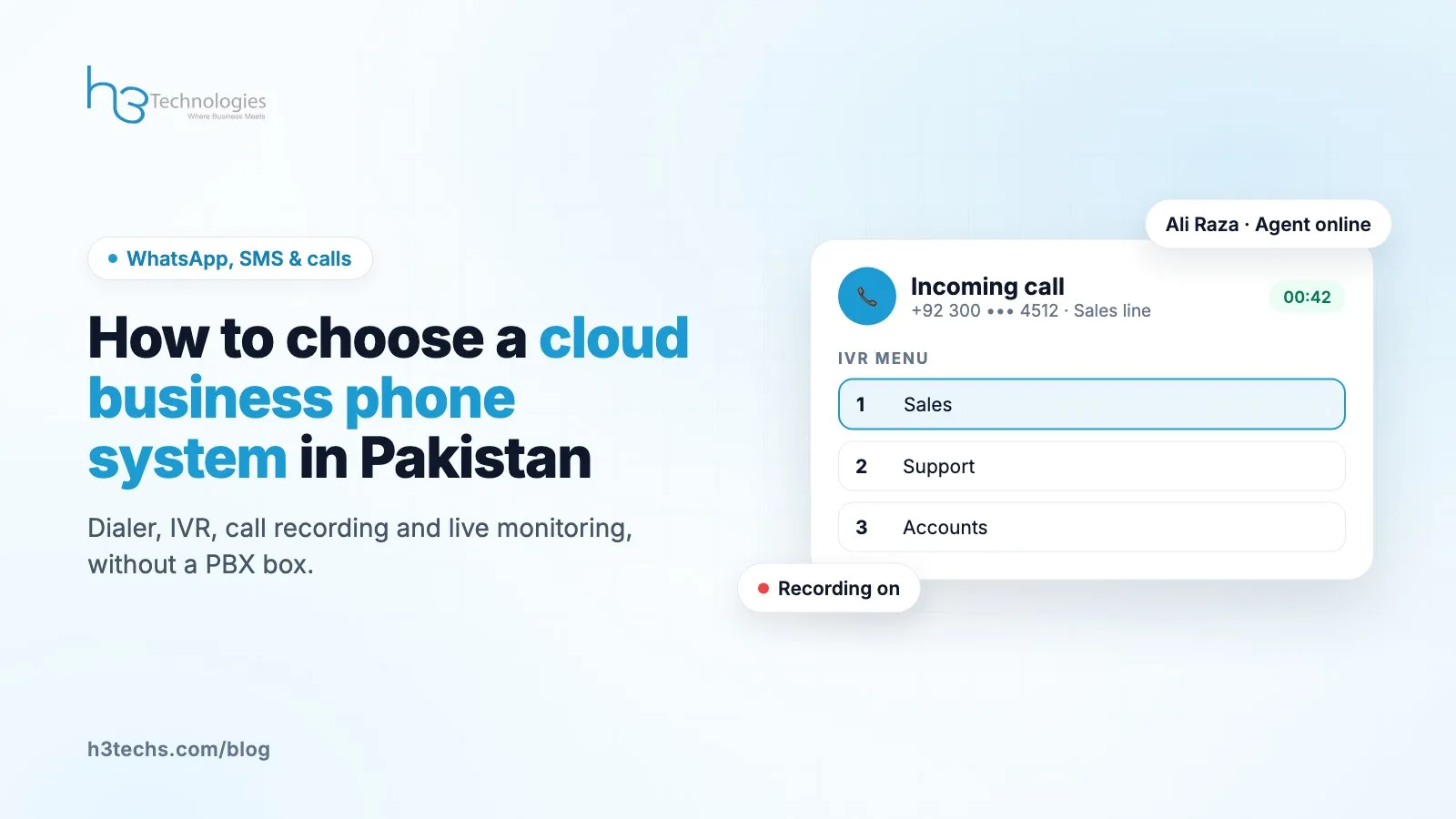
- IVR menus. "Press 1 for sales, 2 for support." Callers reach the right person without a receptionist passing every call along.
- Call transfer. Pass a call to a colleague or another team in a couple of clicks.
- Recording. Listen back to calls for training, quality checks or settling a "but you told me" argument.
- Voicemail. A missed call becomes a message instead of a lost lead.
- Call logs. See who called, who answered, and how long the call took.
With Cloud Call, your team uses the Cloud Call Dialer in the browser, and there are mobile apps for iOS and Android for people who are out of the office.
Who it suits, and who it does not
It suits almost any business where more than a couple of people handle calls. Sales teams, support teams, clinics, schools, property offices and delivery businesses are the usual cases we see.
It is especially useful if:
- Your team works from more than one place, or from home some days.
- You want to know how many calls you miss. Most businesses guess low.
- You are opening a new branch and do not want to buy another PBX.
- Managers want to review calls without sitting next to the agent.
It is not worth it if one person takes a few calls a day on their mobile and that works fine. Do not add a system to solve a problem you do not have.
Five things to check before you choose
1. How numbers work
Ask how you get business numbers, whether you can have more than one, and whether each team can have its own. A sales line and a support line on the same number gets confusing fast.
2. Routing that matches your business
Draw your call flow on paper first. Who should get a sales call at 7pm? What happens on Friday afternoon? Then ask the provider to show you that exact flow in their IVR. If they can only show a demo flow, keep asking.
3. Recording and how long it is kept
Check that recordings are easy to find by number or date. A recording you cannot find is as good as no recording.
4. Calling away from the desk
Ask whether staff can use the business number from a phone app. If your sales team is on the road, this matters more than any other feature.
5. Connections to your other tools
If you sell online, it helps a lot when the caller's details show up as the phone rings. Cloud Call has a Shopify app that shows the customer's name, orders and total spent on every call, and it can be connected to other systems through a custom integration.
How switching usually goes
People expect switching to be painful. In practice it is mostly planning.
- List who takes calls today and what kind of calls they take.
- Set up numbers, extensions and the IVR to match that list.
- Run a short test with two or three people before moving everyone.
- Move the rest of the team and keep the old setup on standby for a week.
The most common mistake we see is building a big IVR with too many options. Three or four choices is plenty. Callers give up on long menus.
Questions we get asked
Do I need new phones?
No. Your team can use the browser dialer with a headset, or the mobile app. Desk phones are optional.
What internet speed do we need?
A normal stable office connection is enough for a team. Stability matters more than raw speed, so a backup connection is a good idea if calls are critical for you.
Can we keep calls private?
Recordings and logs are only visible to the people you give access to. Decide early who should be able to listen to calls.
Is this call centre software?
It is a business phone system. A small office with five people uses it the same way a larger team does, just with fewer extensions.
Thinking about moving your calls online?
Tell us how many people take calls and how you want calls routed. We will set up a demo that looks like your business, not a generic one. See Cloud Call or talk to us.