SHORT ANSWER
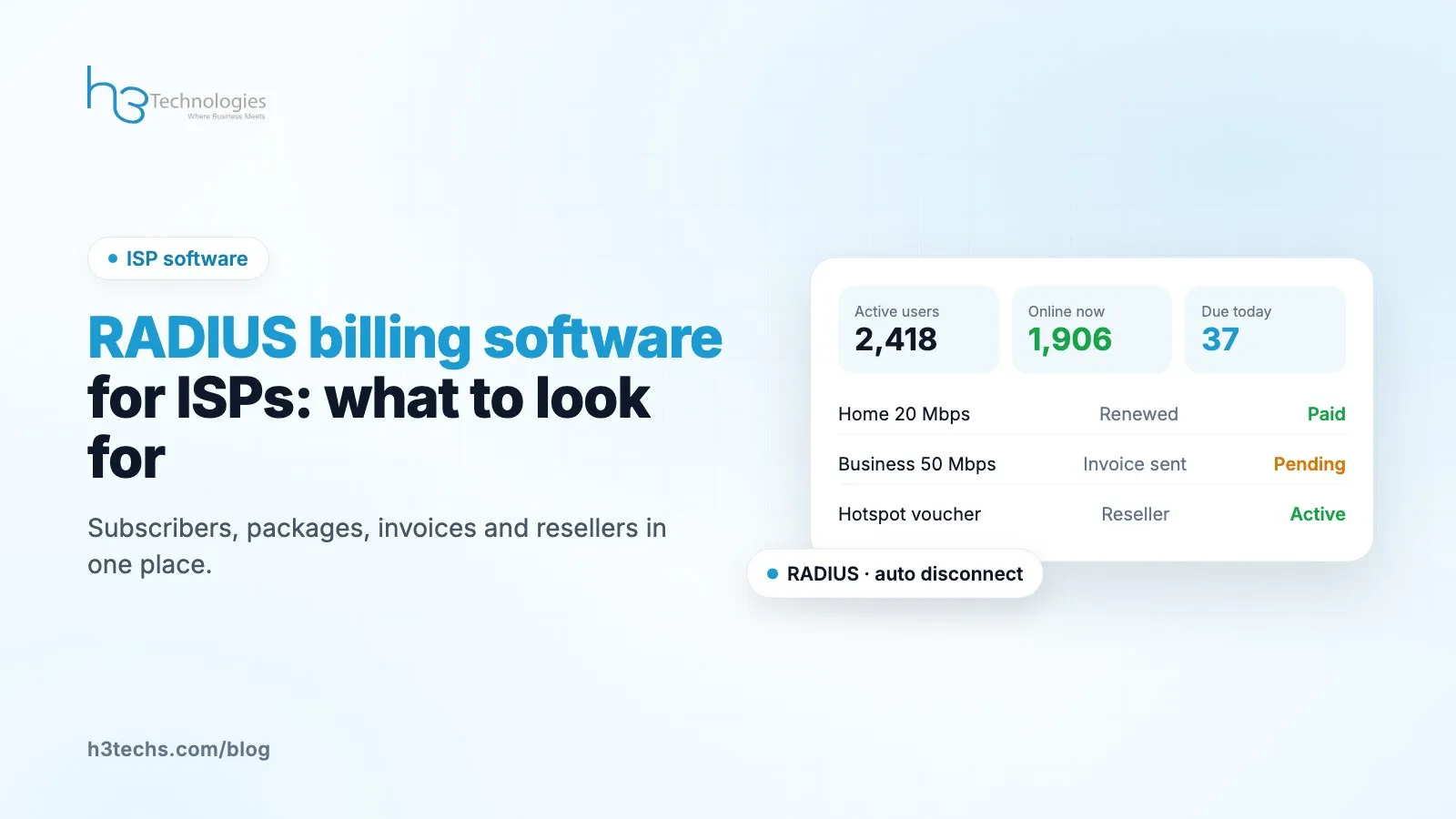
Good ISP billing software does two jobs in one place: it runs RADIUS, so subscribers can log in and get the right speed, and it runs the business side, so you can bill, collect, support customers and manage resellers. When you compare platforms, check that the RADIUS side works with your routers, that billing and renewals are automatic, that resellers get their own limited panel, and that you can move your existing subscribers without a long outage.
Talk to the owner of a small or mid-sized ISP and you will often hear the same story. There is a RADIUS server that one engineer set up years ago. Billing lives in a spreadsheet or an old desktop program. Support tickets are WhatsApp messages. Resellers send their numbers by phone at the end of the month.
It works, until the network grows. Then renewals get missed, resellers argue about balances, and nobody can say how many subscribers are actually active. This guide is about what to look for when you replace that mix with one platform.
In this guide
- The RADIUS side: what has to be right
- The billing side: what saves the most time
- Resellers and franchises
- Self-hosted or cloud
- Moving from your current system
- Support and reports
- Questions we get asked
The RADIUS side: what has to be right
If the RADIUS part fails, your subscribers cannot get online. Everything else is secondary. Things to check:
- It works with your gear. Most networks we see run MikroTik, but many have a mix. A platform that speaks standard RADIUS should work with any NAS that does.
- It handles your connection types. PPPoE for home users, Hotspot for wifi, and DHCP if you use it.
- Live sessions. Your support team should see who is online right now, and be able to disconnect a session (CoA) without logging into the router.
- Clear auth logs. When a customer says "it won't connect", the first question is "what does the log say?". If finding that takes ten minutes, support suffers.
ISP Boost runs on FreeRADIUS 3.2 and covers PPPoE, Hotspot and DHCP, with live sessions and CoA disconnects. MikroTik is a first class integration, and other NAS brands work through standard RADIUS.
The billing side: what saves the most time
Billing is where most ISPs lose money quietly. A subscriber whose package expired but who is still online is free internet. Multiply that across a network and it adds up.
Look for:
- Expiry tied to access. When a package expires and is not renewed, access should change automatically.
- Proper invoices and receipts for activations and renewals, not just a "paid" tick box.
- Auto renew from credit, so a subscriber who paid ahead does not get cut off by mistake.
- A ledger you can trust. When an accountant asks where a number came from, you should be able to show them.
- Customer records that hold everything: package, expiry, usage limits, MAC lock, KYC documents and notes.
If you sell walk-up wifi, check voucher support too. Printing a batch of hotspot cards should take seconds, not an afternoon.
Resellers and franchises
Many ISPs grow through resellers. This is also where most arguments happen, usually about balances and pricing.
A good platform gives each reseller their own panel that only shows their subscribers. They have a wallet balance, and activations only go through when they have enough balance. You set the prices they pay, and they can set their own prices for sub-resellers.
When all of that is in one system, the end-of-month phone calls mostly stop. Everyone can see the same numbers.
Self-hosted or cloud
This comes down to who you want looking after the server.
- Self-hosted suits ISPs that have their own engineers and want the data on their own machine. ISP Boost installs on a fresh Ubuntu server with one command.
- Cloud suits ISPs that would rather not manage a server at all. The provider hosts it, updates it and backs it up.
With ISP Boost the features are the same either way, so the choice is only about who runs the server.
Moving from your current system
The fear with any switch is downtime. Subscribers do not care that you are upgrading. They care that the internet works.
Ask any vendor exactly how they move your data: subscribers, profiles, managers and balances. ISP Boost has a one-click import for SAS4 data, which covers a lot of ISPs in this region. For other systems, plan the move with the vendor before you agree to anything.
Our advice: test the new platform with a small group of subscribers first, then move the rest in one planned window.
Support and reports matter more than you think
When ISP owners compare platforms, they look hard at RADIUS and billing and skim the rest. Then six months later the complaints are about support and reports.
Your support team will live in this system every day. Check how many clicks it takes to find a customer, see if they are online, look at their last few logins and renew their package. If that takes a long time in the demo, it will take longer on a busy evening.
Reports are the other piece. You should be able to see activations, sessions, profit and traffic without exporting everything to a spreadsheet first. If you have resellers, they should get their own reports too, limited to their own subscribers.
Finally, check permissions. Your support staff should be able to renew a package without being able to change prices. Good role based access saves a lot of trouble later.
Questions we get asked
Do I need to replace my routers?
No. If your routers work with RADIUS today, they should work with a standard RADIUS platform.
Can my support team use it without network knowledge?
Yes, for the everyday jobs. Checking if a customer is online, renewing a package or opening a ticket does not need router access.
What about helpdesk, stock and staff?
ISP Boost includes helpdesk tickets, inventory, HR and asset tracking in the same panel, so you do not need separate tools for them.
Running an ISP and outgrowing your setup?
Tell us how many subscribers you have and what you use today. We will show you how ISP Boost would fit. See ISP Boost or talk to our team.